Readme
Object Removal AI takes anything you don’t want out of a property photograph and rebuilds what was behind it. You upload an image, name the items you want gone — an armchair, a laundry basket, a car on the driveway, a competitor’s signage — and the model removes them, then reconstructs the floor, wall, worktop or ground that the object was covering. The repair continues the original material, texture, grain direction, tile and grout lines, skirting and perspective, so the result looks like a photograph taken of a room that never contained the object at all. Contact shadows, cast shadows and reflections in mirrors, glazing and polished floors go with it.
PropLabs is a company by AxcelerateAI. This is our base object removal model — it works on interiors and exteriors with no setup. For advanced and enterprise use cases we fine-tune these models on your own property data, which gives noticeably higher fidelity and results tailored to your inventory and house style. If that would be useful, get in touch at shehryar@axcelerate.ai.
Output is watermarked by default and free to try — you pay only Replicate for the generation, on your own API token. To receive images without the watermark, supply a token in the optional watermark_remove_token field. Tokens are sold as a 1000-image pack for USD 100; contact shehryar@axcelerate.ai to buy one.
🎨 Key Features
The model works from a plain description of what you want removed rather than a mask, so there is nothing to paint or trace. Surfaces behind removed objects are reconstructed rather than blurred or cloned, which means no smudged patches, no faint outlines and no discoloured rectangles where something used to stand. Shadows and reflections belonging to a removed object are taken out with it, which is what separates a clean removal from an obvious edit. Everything you did not ask to remove stays exactly as photographed, at the same size and in the same place, and the camera position, framing and perspective are preserved throughout. If you name something that is not actually in the photograph, that entry is ignored rather than guessed at.
🗑️ Naming What to Remove
The objects_to_remove field takes a comma-separated list in plain language. Be specific when the room contains more than one of something.
| What you type | What happens |
|---|---|
armchair |
Removes the armchair |
armchair, laundry basket, wall art |
Removes all three |
the red chair by the window |
Disambiguates between several chairs |
the car on the driveway |
Works on exteriors too |
the television and its stand |
Removes an object together with what it sits on |
This field is required — there is no sensible default for what you want taken out, so leaving it empty returns an error rather than a guess. To clear a room of all its contents at once, use the PropLabs Furniture Removal model instead, which is built for that and keeps fitted kitchens, bathrooms and built-ins intact.
⚡ Quality & Resolution
quality chooses between Standard, which is faster and cheaper and suits most photographs, and Pro, which produces higher fidelity and finer detail but takes noticeably longer and costs more on your Replicate account. resolution applies to Pro only and accepts 1K, 2K or 4K, with Auto using 2K; Standard always renders at the source image’s own scale.
🪄 Use Cases
Estate agents use it to clear personal effects, clutter and bins from listing photographs without rescheduling a shoot. Photographers use it to remove a stray vehicle, a wheelie bin or a reflection of themselves in a mirror. Interior designers strip out a single dominant piece to show a room’s potential without clearing it entirely. Property managers remove previous tenants’ belongings from inspection photographs, and marketing teams take out competitor signage, house numbers, number plates or anything else that should not appear in published material.
⚙️ Example Workflow
Upload the photograph, list what you want removed in the objects_to_remove field, and run. For a listing-quality result on a large image, set quality to Pro and pick a resolution. The model returns the same photograph with the named items gone and the surfaces behind them rebuilt.
📸 Output
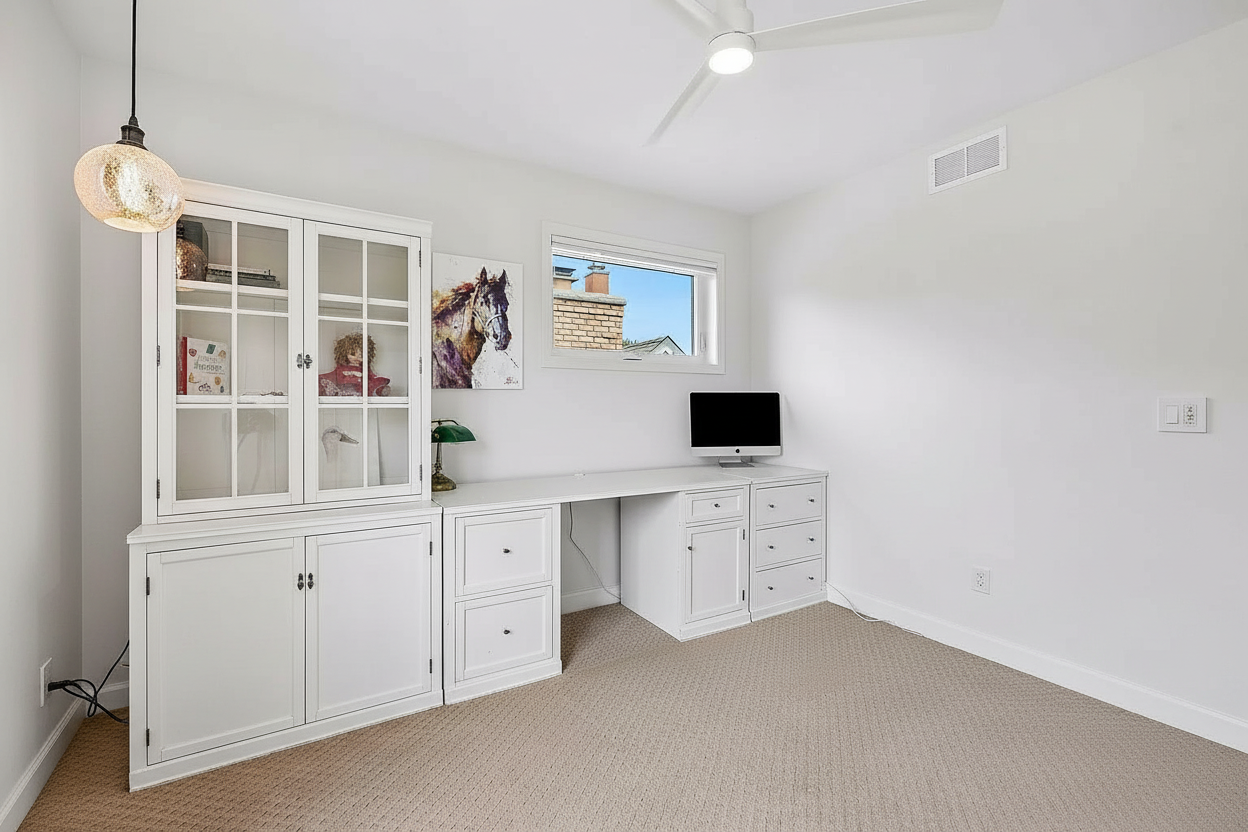
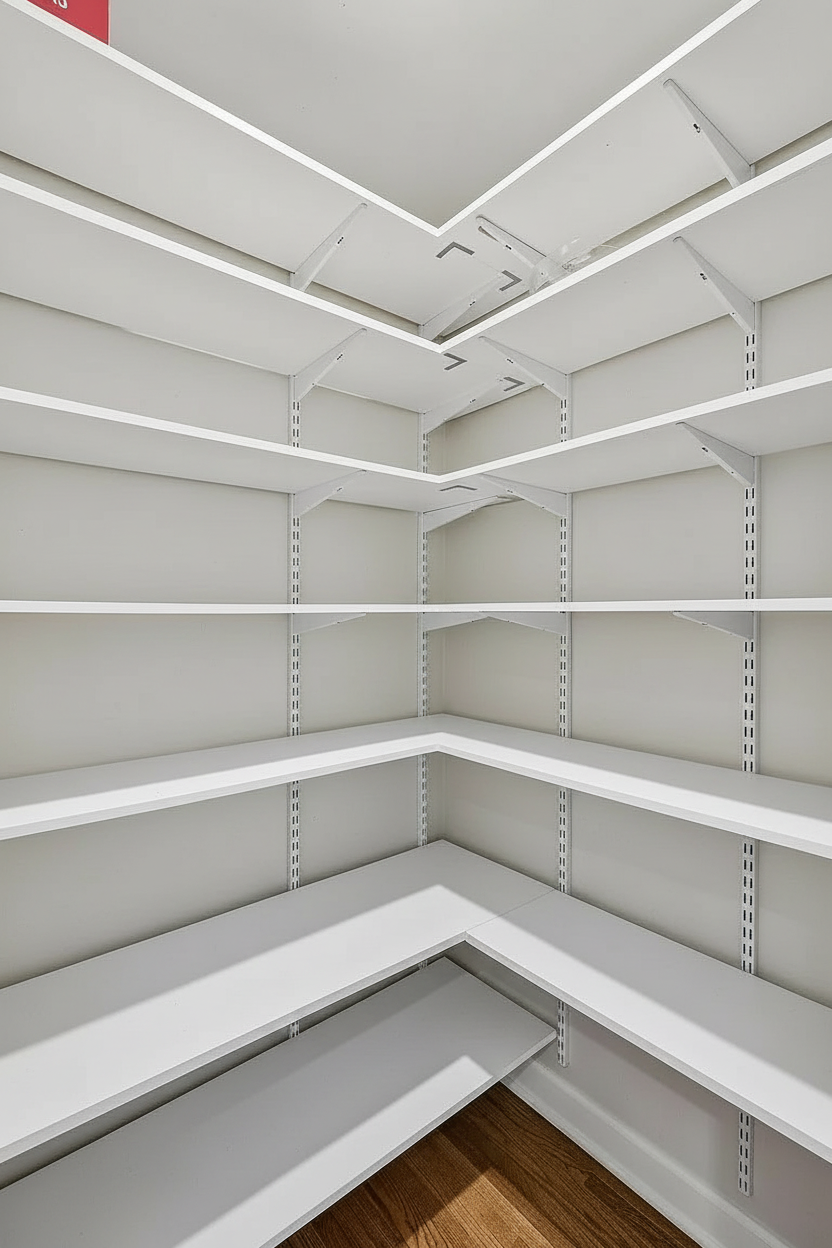
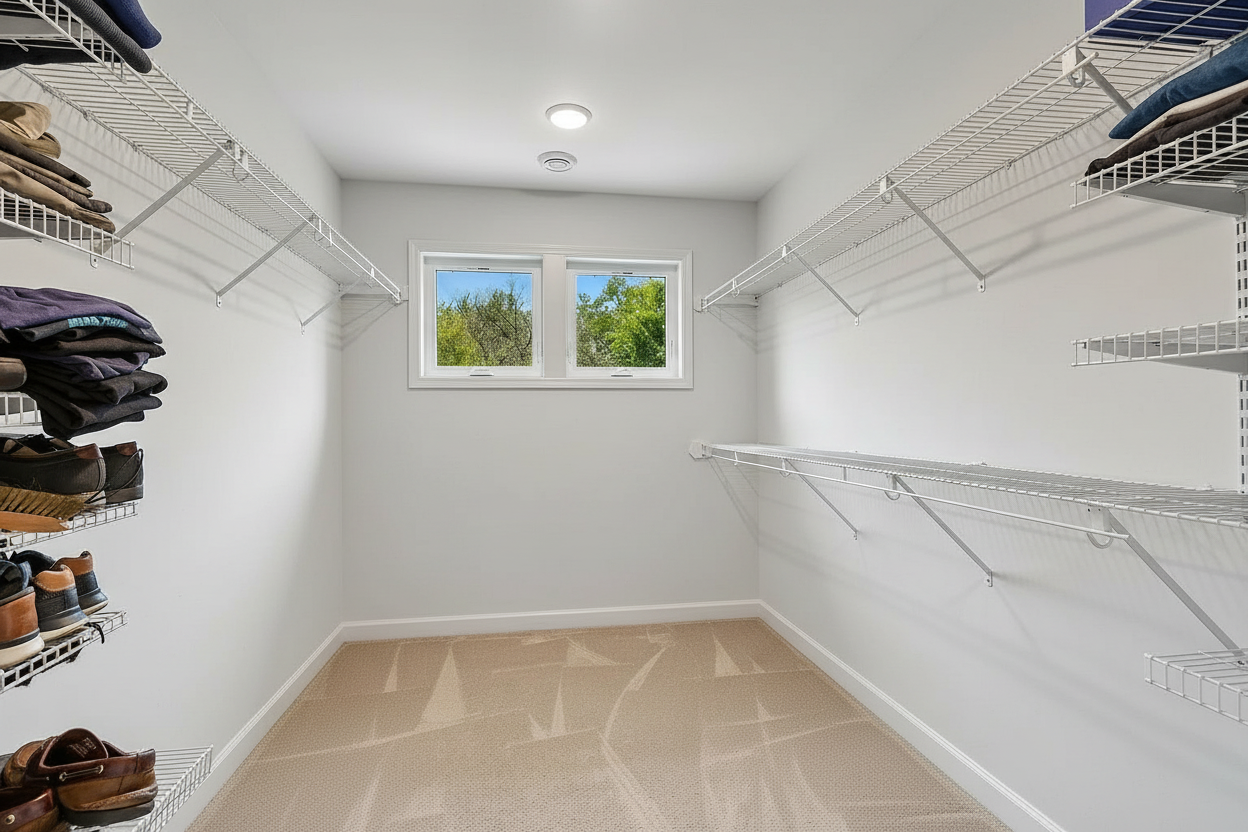
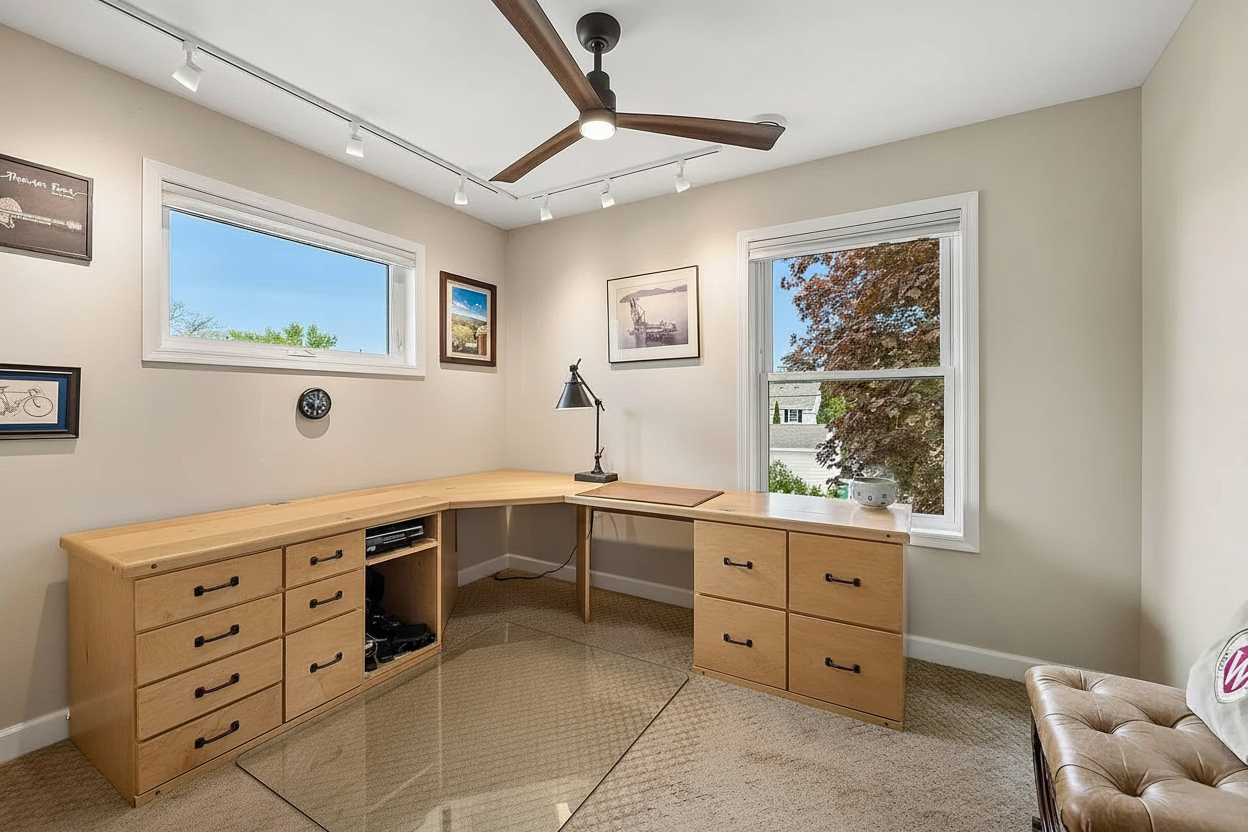
The output is a photorealistic image at the same viewpoint, framing and aspect as the original, with the named objects removed and the space they occupied left empty rather than filled with a substitute. Lighting, shadow direction, colour temperature and grain remain consistent across the whole frame, and the reconstructed surfaces carry the same material and perspective as their surroundings.
Before:
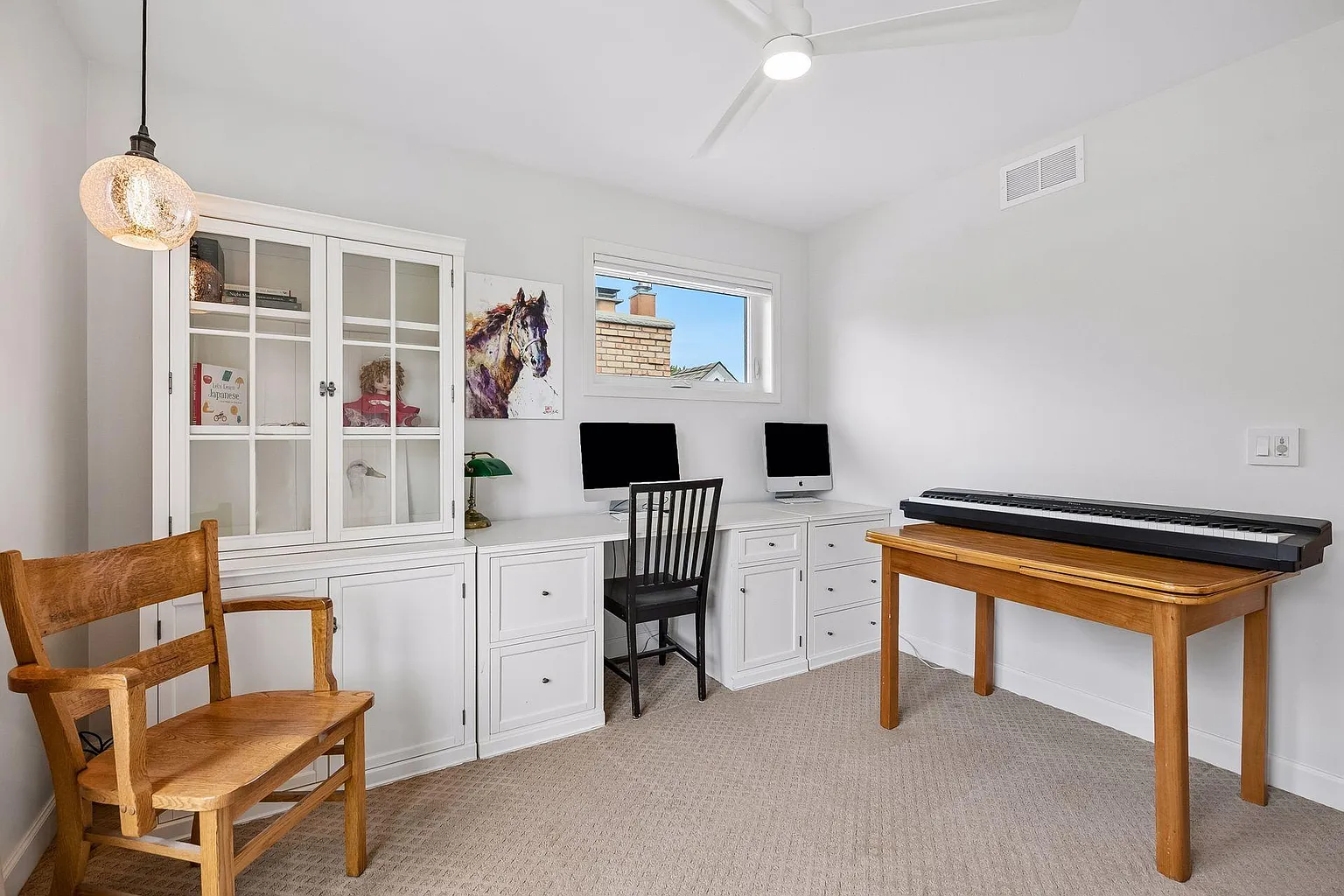
After: